Free YouTube end screen templates
Give viewers a good reason to keep watching. Choose a free YouTube end screen template, edit the words and background, and download a PNG for your video. Add the clickable elements in YouTube Studio.
Give viewers a next watch
Explore 12 examples across four groups, from a single next video to a full playlist. Edit your background in landscape 16:9 and download the PNG, then use the notes beneath each example to finish in YouTube Studio.
One photo and your own words, for any post or ad.
The caption for your post
An example caption to go with the picture. Copy it and make it yours.
- Caption
- Add the walkthrough that gives viewers a closer look at your product. Hold this background at the end of your video, then place the real video and subscribe elements in YouTube Studio.
Your video, one more watch
| Reloop | Creators | |
|---|---|---|
| Starting point | Choose an example for a next video, two videos or a playlist. | Decide what viewers should watch next and start with a blank design. |
| Example words | Edit the heading, next-watch labels and subscribe prompt. | Write the closing message and each label from scratch. |
| Background artwork | Download a PNG to use in the closing section of your video. | Arrange the artwork and prepare an image for your video editor. |
| Clickable elements | Add the real video, playlist and subscribe elements in YouTube Studio. | Add the real video, playlist and subscribe elements in YouTube Studio. |
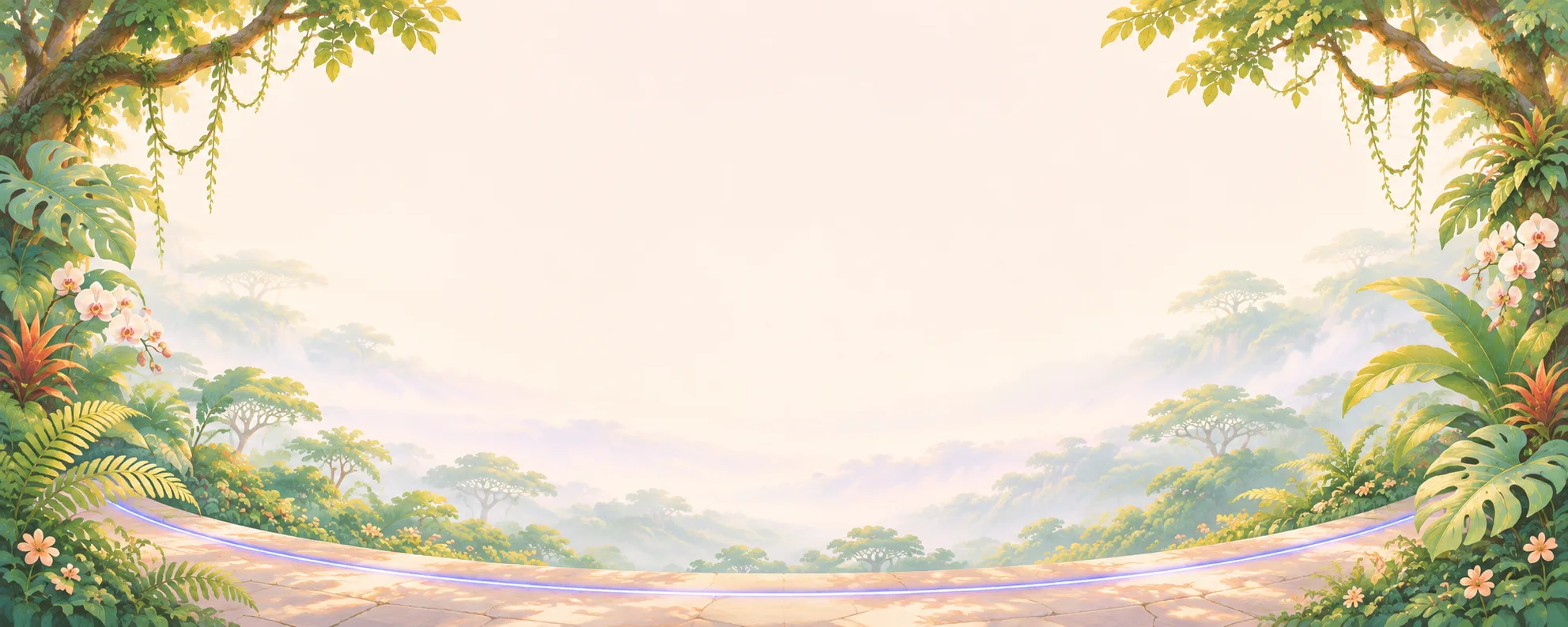
Choose an example, edit the words and background, then download the PNG in landscape 16:9. Add the image to the closing section of your video in a video editor. Upload the finished video and open YouTube Studio > Content > your video > Editor > End screen to add the real clickable elements. Your outro does not need to become another design project.
There are 12 examples in four groups: next video + subscribe, two videos + subscribe, video + playlist + subscribe, and playlist + subscribe. Examples cover product demonstrations, tutorials, episode series, courses, business stories, projects and interviews. Choose the group for what you want viewers to watch next.
You can edit an example and download its background as a PNG without creating an account or spending AI credits. Making a marketing video with Reloop is a separate, optional next step.
For a standard landscape video, use the 16:9 format. We recommend 1920 × 1080 pixels for a full-HD background. Match the background to your video and check the final placement in YouTube Studio before saving.
The PNG is background artwork. Add the actual video, playlist and subscribe elements in YouTube Studio after uploading your finished video. The PNG handles the scenery; YouTube handles the buttons. Preview the result in Studio to check the alignment.
YouTube allows end screens during the final 5–20 seconds of a video, and the complete video must be at least 25 seconds long. Hold your background in that closing section and set the native element timings in YouTube Studio. See YouTube's end-screen instructions for current platform requirements.
Yes. Adapt the example heading, labels, subscribe wording, pictures and colors to your channel. Keep the important words outside the spaces where YouTube will display its elements. The links need a little room to breathe, too. Use your own portrait or project photo before presenting an example as your work.
These are editable image templates with a PNG download. Add the image to your video and hold it for the closing section. The download is not an animated MP4 or an editable Canva, Photoshop or Premiere project file.
You can add a public playlist using the playlist element in YouTube Studio. YouTube requires membership in the YouTube Partner Program to add an external website end-screen element. A website address drawn on the background is just text; it does not create a clickable link.
YouTube does not show end screens on videos marked made for kids, and availability also depends on the viewing context. Viewers can hide them. Keep your background understandable on its own, use an eligible video and preview the setup in YouTube Studio.
Explore more template
Trusted by creators worldwide
See what our users have to say about Reloop and how it transformed their content creation workflow.
Reloop completely changed how we run SaaS ads. Our average engagement increased by 62% in the first 30 days, and we finally know which creative angles deserve more budget.

Our content created with Reloop generated more than 58,000 organic views in one month. We’re publishing consistently and staying visible without living inside an editor.

Editing one video used to take nearly two hours. With Reloop, our average production time is down to 14 minutes, including captions and final edits. No final-final-v6 required.

We created four course promotions with Reloop, and they directly contributed to 27 additional course sales during our latest launch.
Reloop helped us research competitors and test 18 different creative angles in seven days. We now learn what works before committing serious campaign budget.
We’ve saved approximately €3,200 in external production costs over three months while publishing more content than before. We no longer need a studio for every campaign.